
How to Write an Explainer Video Script (With Template)
An explainer video script follows five sections: Hook (0-5 sec), Problem (5-15 sec), Solution (15-35 sec), How It Works (35-65 sec), and Call to Action (65-90 sec). For a 90-second video, aim for 225-250 words total. Write in conversational language at a 7th-grade reading level. Always write the script before briefing an animator.
Why the Script Comes First
Animation is expensive. Revisions after production cost 3-5x more than getting the script right upfront. Every word in your script becomes a scene the animator has to draw. Every extra second adds hours of work and hundreds of dollars to your invoice.
The script is also your SEO asset. The voiceover transcript can be embedded on the page as indexable text, turning your video into a keyword-rich content block that Google can crawl.
At Magic Motion Studio, every project starts with a script review call before a single storyboard frame is sketched. The studios that skip this step consistently produce videos that sit on a homepage and do nothing.
The 5-Part Explainer Video Script Structure
This structure is based on what works across hundreds of B2B SaaS, startup, and product videos. It mirrors how a human brain processes a sales pitch.
Hook (0 to 5 seconds)
Lead with the pain, not your product name. Nobody cares who you are yet. Open with a question, a statistic, or a relatable frustration. "Still losing customers at checkout?" beats "Welcome to Acme Corp."
Problem (5 to 15 seconds)
Describe the problem in language your audience uses. Be specific. "Manual reporting takes 4 hours every Friday" is stronger than "productivity challenges." The viewer should nod and think "that's exactly my situation."
Solution (15 to 35 seconds)
Introduce your product as the solution to the problem you just described. One sentence of what it is. Two sentences of what it does for the viewer. Avoid feature lists here. Lead with the outcome.
How It Works (35 to 65 seconds)
Walk through 2-3 key features or steps. Each one should connect directly to the problem you raised. This is where the animation earns its keep: show the product in action, not a talking head explaining it.
Call to Action (65 to 90 seconds)
One clear instruction. "Start your free trial." "Book a demo." "Get a free quote." Not three options. One. End with your brand name and the action on screen simultaneously so the viewer has both visual and audio reinforcement.
Word Count by Video Length
Voiceover narration in English lands at roughly 130-150 words per minute for a clear, professional delivery. Use this table to set your script length before you write a single word.
| Video Length | Target Word Count | Best Use Case |
|---|---|---|
| 30 seconds | 65 to 80 words | Social media ads, retargeting |
| 60 seconds | 130 to 150 words | Hero video, product hunt launch |
| 90 seconds | 195 to 225 words | Homepage, SaaS onboarding |
| 2 minutes | 260 to 300 words | Investor pitch, explainer with demo |
| 3 minutes | 390 to 450 words | Training video, detailed product walkthrough |
Pro tip: Paste your finished script into a text-to-speech tool and listen back at 1x speed. If you lose focus at any point, your viewer will too. Cut that sentence.
Copy-Paste Explainer Video Script Template
Replace the bracketed text with your own details. This template is calibrated for a 90-second video at 225 words.
Hook (0 to 5 seconds / 15 words)
[Start with a pain-point question or bold statement.]
Example: "What if you could cut your onboarding time in half — without hiring a single person?"
Problem (5 to 15 seconds / 30 words)
[Describe the specific pain in the viewer's own language. Be concrete — name the time wasted, money lost, or frustration felt.]
Example: "Right now, [Your Audience] spend hours every week on [manual/broken/slow process]. It costs them [specific loss] and leaves [result of the problem]."
Solution (15 to 35 seconds / 40 words)
[One sentence on what your product is. Two sentences on what it does for the viewer.]
Example: "Introducing [Product Name] — [one-line description]. With [Product Name], you can [outcome 1] and [outcome 2], so you spend less time on [pain] and more time on [goal]."
How It Works (35 to 65 seconds / 90 words)
[Walk through 2-3 features or steps. Each should connect to the problem above.]
Example:
Step one: [Feature 1 — connect to problem.] Step two: [Feature 2 — show the outcome.] Step three: [Feature 3 — clinch the sale.]
[Product Name] integrates with [tool they already use], so there is no [common friction point].
Call to Action (65 to 90 seconds / 30 words)
[One action. One URL or button. End with brand name spoken aloud.]
Example: "Ready to [achieve the outcome]? Start your free trial today at [YourDomain].com. [Product Name] — [short brand tagline or benefit statement]."
Skip the Script and Get a Video in 14 Days
Our team writes the script, builds the storyboard, and delivers a finished animated video. You review and approve at each stage.
Get a Free QuoteWriting Tone and Voice
Tone is where most scripts go wrong. Companies write in corporate language because they are afraid of sounding too casual. The result is a script that sounds like a terms-of-service document read aloud by a robot.
Conversational, not corporate
Write the way a trusted colleague explains something, not the way a press release is written. Use contractions: "you'll" not "you will," "it's" not "it is." Use second person throughout: "you," not "users" or "clients."
Simple, not dumbed-down
Target a 7th-grade reading level on the Hemingway App. This does not mean treating your audience as unintelligent. It means removing friction so the message lands on first listen. Viewers cannot rewind a video in their head.
Confident, not salesy
State benefits as facts, not promises. "Teams cut reporting time by 60%" is stronger than "we think you'll save a lot of time." Back claims with numbers wherever possible. Specificity builds trust.
Voice match test: Read your script aloud to a colleague without telling them it is for a video. If they would not say it in a normal conversation, rewrite it.
Script Timing Reference by Section
This breakdown is based on professional voiceover delivery at 140 words per minute, which is the standard pace for explainer video narration.
| Section | Timecode | Words (90-sec video) | Primary Goal |
|---|---|---|---|
| Hook | 0:00 to 0:05 | 10 to 15 | Stop the scroll, earn the next 10 seconds |
| Problem | 0:05 to 0:15 | 25 to 35 | Create empathy and urgency |
| Solution | 0:15 to 0:35 | 40 to 55 | Introduce product, lead with outcome |
| How It Works | 0:35 to 1:05 | 70 to 90 | Demonstrate value, reduce objections |
| Call to Action | 1:05 to 1:30 | 25 to 35 | Drive one specific next step |
7 Common Script Mistakes That Kill Conversions
1. Leading with company history
No one watching a 90-second video cares that you were founded in 2019. Lead with the viewer's problem, not your origin story.
2. Feature-dumping instead of benefit-selling
"We have 47 integrations" means nothing. "Connect to the tools you already use in one click" means everything. Translate every feature into a viewer outcome.
3. Writing for reading, not listening
Complex sentence structures that work on paper fall apart when spoken aloud. Short sentences. Subject first. Verb second. Object third.
4. Two calls to action
"Sign up free or book a demo" forces a choice. Choice reduces action. Pick one CTA and commit to it based on where the viewer is in the funnel.
5. Burying the CTA
If you put the CTA only in the last 5 seconds, viewers who drop off at 60 seconds never see it. Plant a soft CTA mid-video in longer formats.
6. No specific numbers
"Saves time" does not convert. "Saves 4 hours per week" does. Use real data from your customer success stories or benchmark studies in your industry.
7. Skipping the script review
At minimum, read the script aloud and time it. Better: record yourself reading it and listen back. Awkward pauses, tongue-twisters, and pacing issues surface immediately.
 2D animation production from approved script at Magic Motion Studio" width="900" height="506" loading="lazy" />
Adapting the Script for Different Video Types
SaaS product explainer
Focus on the before-and-after. The hook should describe the broken workflow. The "How It Works" section should mirror the actual product UI flow so the animation and the product match. For SaaS explainer videos, specificity about the software category (project management, CRM, analytics) helps viewers self-identify as your target customer.
Startup pitch explainer
Lead with the market problem, not your solution. Investors and first-time visitors both need to understand why the problem is worth solving before they care about how you solve it. Startup explainer videos often run 90-120 seconds to allow space for the problem context that a more established category does not need to build.
Motion graphics explainer
Motion graphics explainer videos pair well with scripts that use visual metaphors. Instead of "our platform connects all your data," the script might say "imagine every department speaking the same language." The metaphor gives the animator a clear visual brief, and the viewer a memorable frame of reference.
Anime-style or character-driven animation
Character-driven scripts need a protagonist the viewer roots for. The character experiences the problem, discovers the solution, and celebrates the outcome. The brand is the guide, not the hero. For anime-style animation, the script should include emotional beats and natural dialogue rather than purely informational narration.
From Script to Animation Brief
Once your script is approved, turn it into an animation brief before handing it to a studio. A brief converts your words into visual instructions. Without it, animators fill in gaps with generic choices that may not match your brand.
A basic animation brief includes:
- Script with timestamps — break the approved script into 5-second intervals
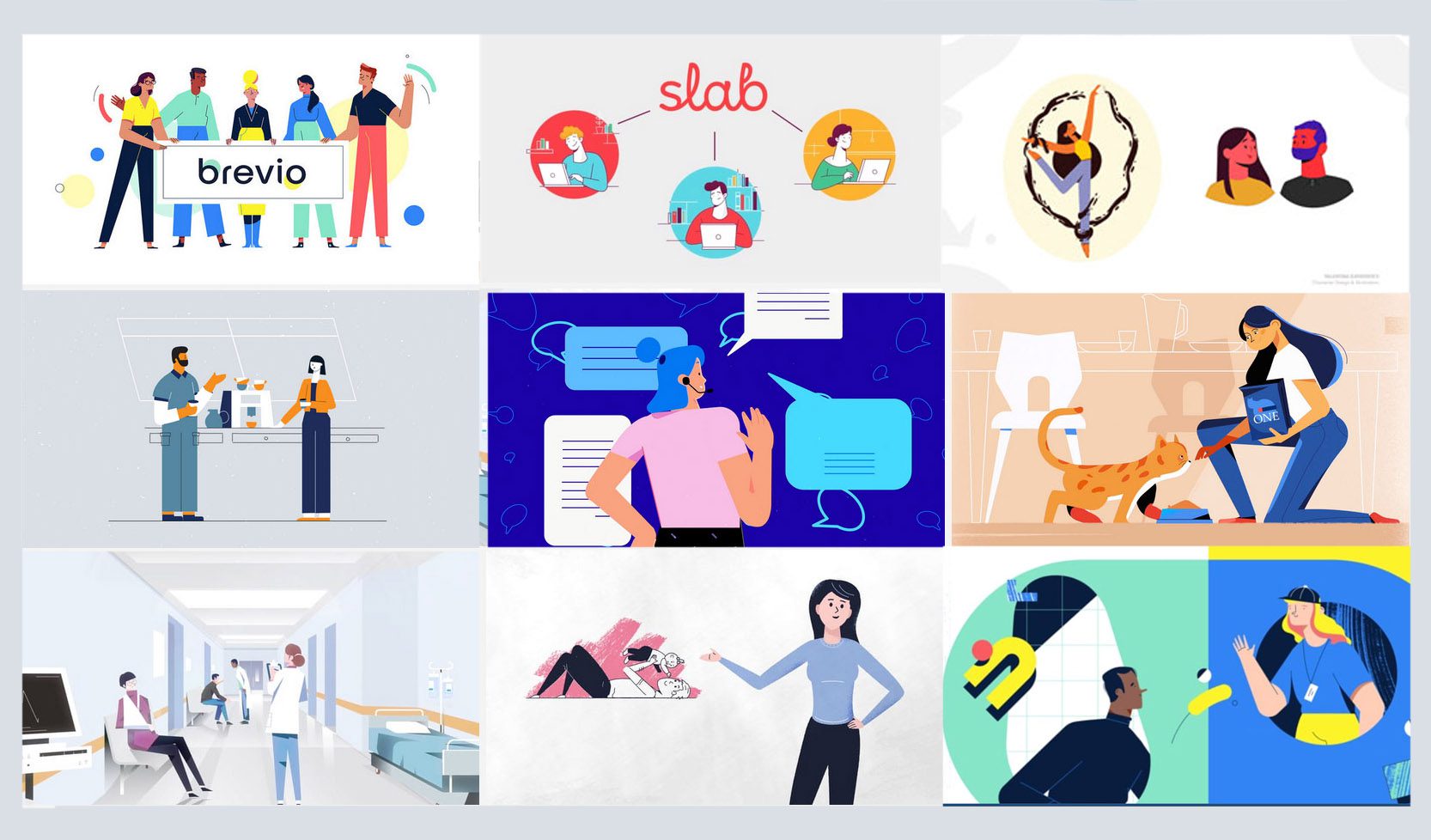
- Visual references — 5-10 videos that match your desired style and tone
- Brand guidelines — primary color, secondary color, font name, logo file
- Character description — age, appearance, world they live in (if character-driven)
- Platform destination — homepage, YouTube, LinkedIn, Instagram (affects aspect ratio and text size)
- Voiceover direction — pace, accent, gender, energy level (excited, calm, authoritative)
Handing a studio both the script and a brief cuts revision rounds by 50% and often reduces total production time by 3-5 days.
At Magic Motion Studio: we run a 45-minute script and brief session at the start of every animated explainer video production engagement. This alone has eliminated the back-and-forth that inflates timelines at most studios.
Frequently Asked Questions
For a 60-second video, target 130-150 words. For a 90-second video, target 195-225 words. These word counts assume a professional voiceover delivered at 140 words per minute with natural pauses. Going over word count is the single most common script mistake.
Writing a first draft yourself is almost always worth doing, even if a copywriter rewrites it. You know your customer's pain points better than any writer who just read your brief. Provide the draft, then have a script specialist punch it up. Most animation studios include script writing in their packages.
Target a 7th-grade reading level using the Hemingway App or Readable.io. This applies even for technical B2B products. Simple language does not mean dumbed-down — it means the message lands on first listen without requiring the viewer to mentally parse complex sentences.
Two rounds of revisions is the professional standard. Round one addresses structure and message. Round two addresses word choice and pacing. If you need a third round, it usually means the original brief was unclear and needs to be revisited before continuing.
Yes, but use it as a starting point, not a final draft. AI-generated scripts tend to produce correct structure with generic language. The hook especially needs human editing to feel authentic and specific to your actual customer pain. Feed AI your real customer research and revise the output heavily before approving.
A script is the written words and narration. A storyboard is the visual sequence of scenes that illustrates the script. The script is always written and approved first. The storyboard is the first animation deliverable and shows how each section of the script will look on screen.
Standalone script writing for a 90-second explainer video runs $300-$800 from a specialist. Most full-service animation studios include script writing within their production packages. At Magic Motion Studio, script development is included in all packages starting at $1,500 for a complete 60-second animated video.
Not word for word. On-screen text should reinforce, not repeat, the narration. If the voiceover says "reduce reporting time by 60%," the animation might show the number 60% animating on screen. Verbatim duplication makes the video feel like a slideshow. Use text callouts to emphasize key numbers and terms.
For silent or music-only videos, write a visual script that describes each scene and the on-screen text that replaces narration. You still need a word-for-word content plan — it just lives in title cards and callouts instead of voiceover. Keep individual text cards under 8 words for readability.
Script approval triggers storyboarding, which typically takes 3-5 business days for a 60-90 second video. After the storyboard is approved, voiceover recording begins, then animation in sync with the approved audio. Total production time from approved script to final delivery is typically 10-18 business days depending on complexity and package tier.
Ready to Start Your Explainer Video?
Get a professional script, storyboard, and finished 2D animated video in as little as 14 days. Packages from $1,500.
Get a Free Quote